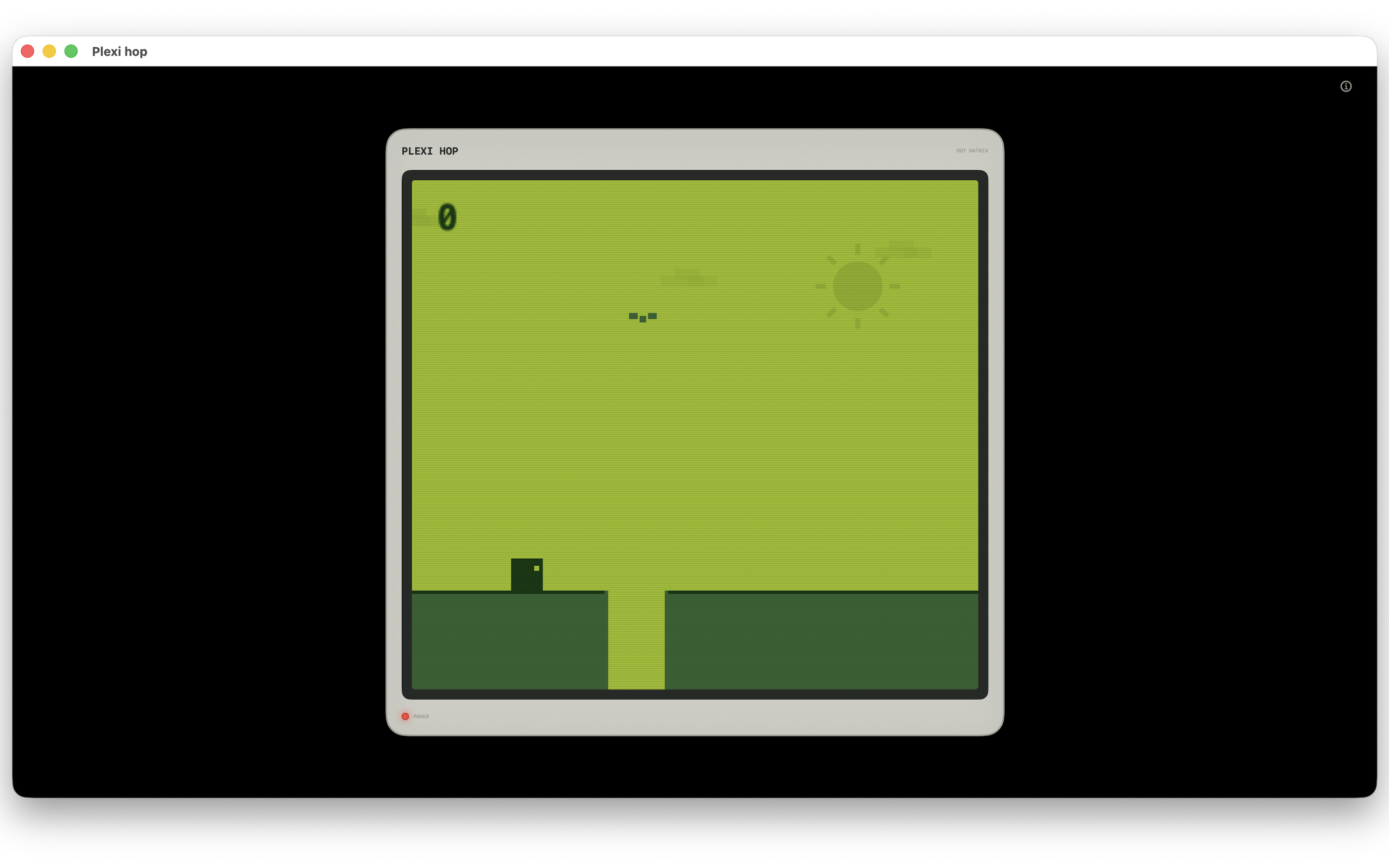
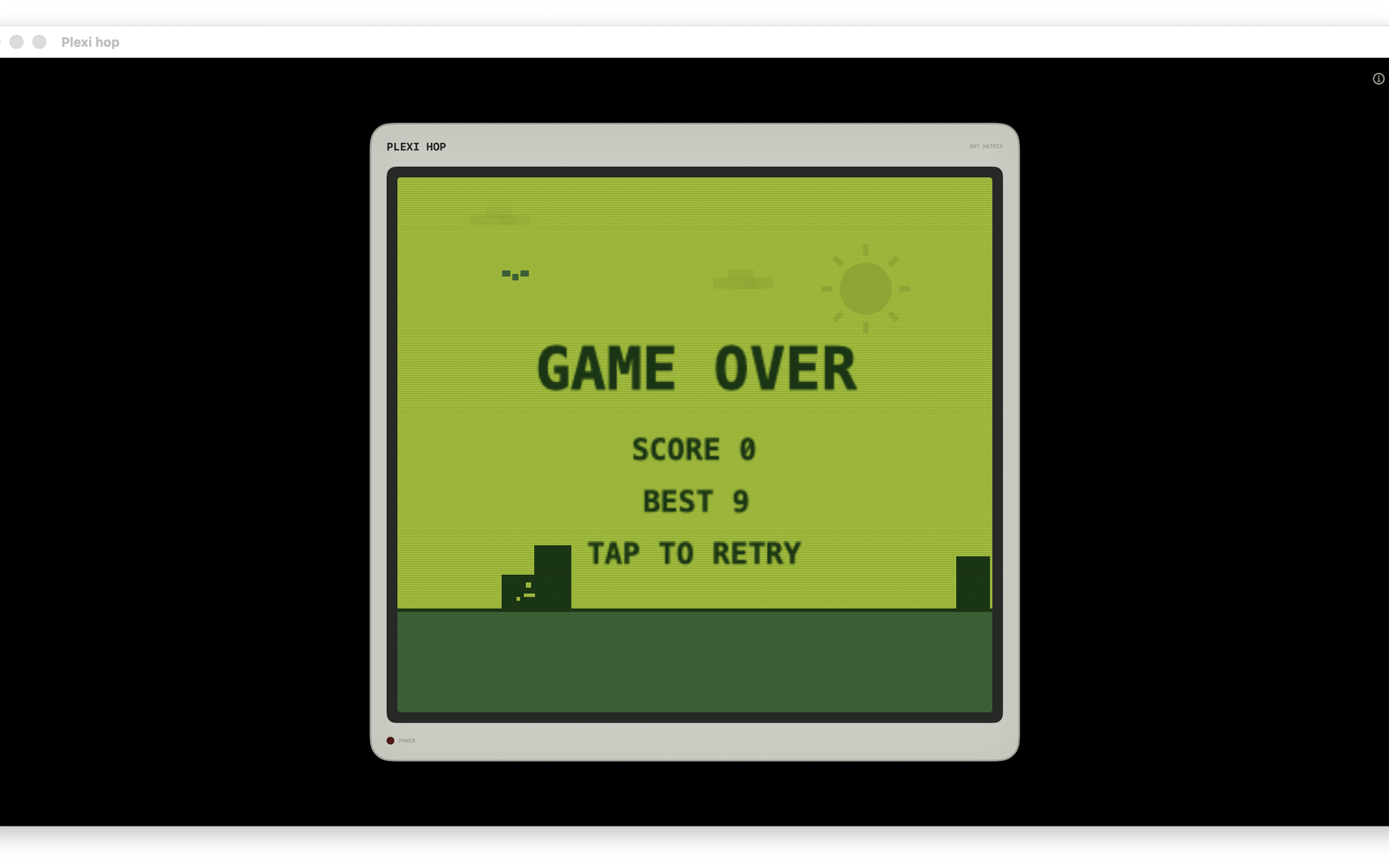
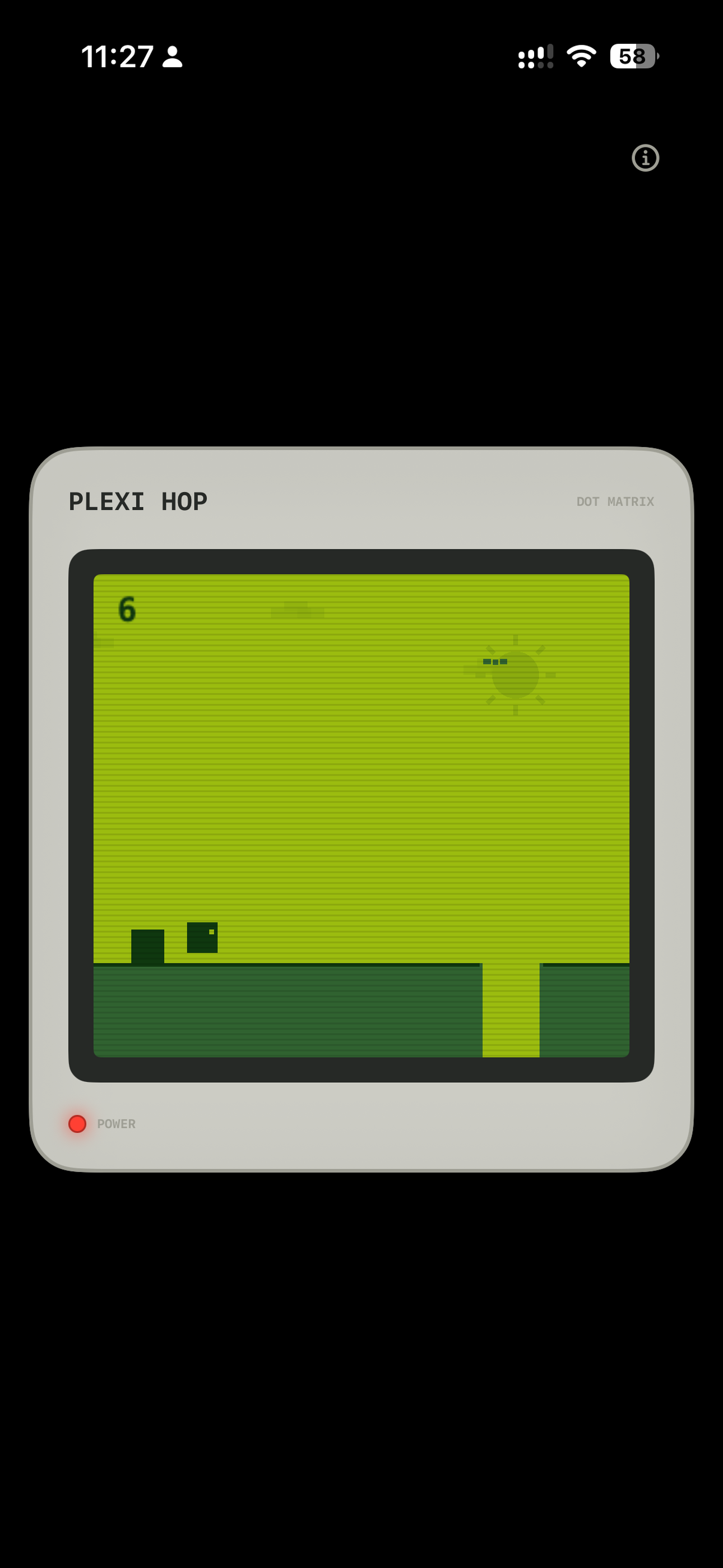
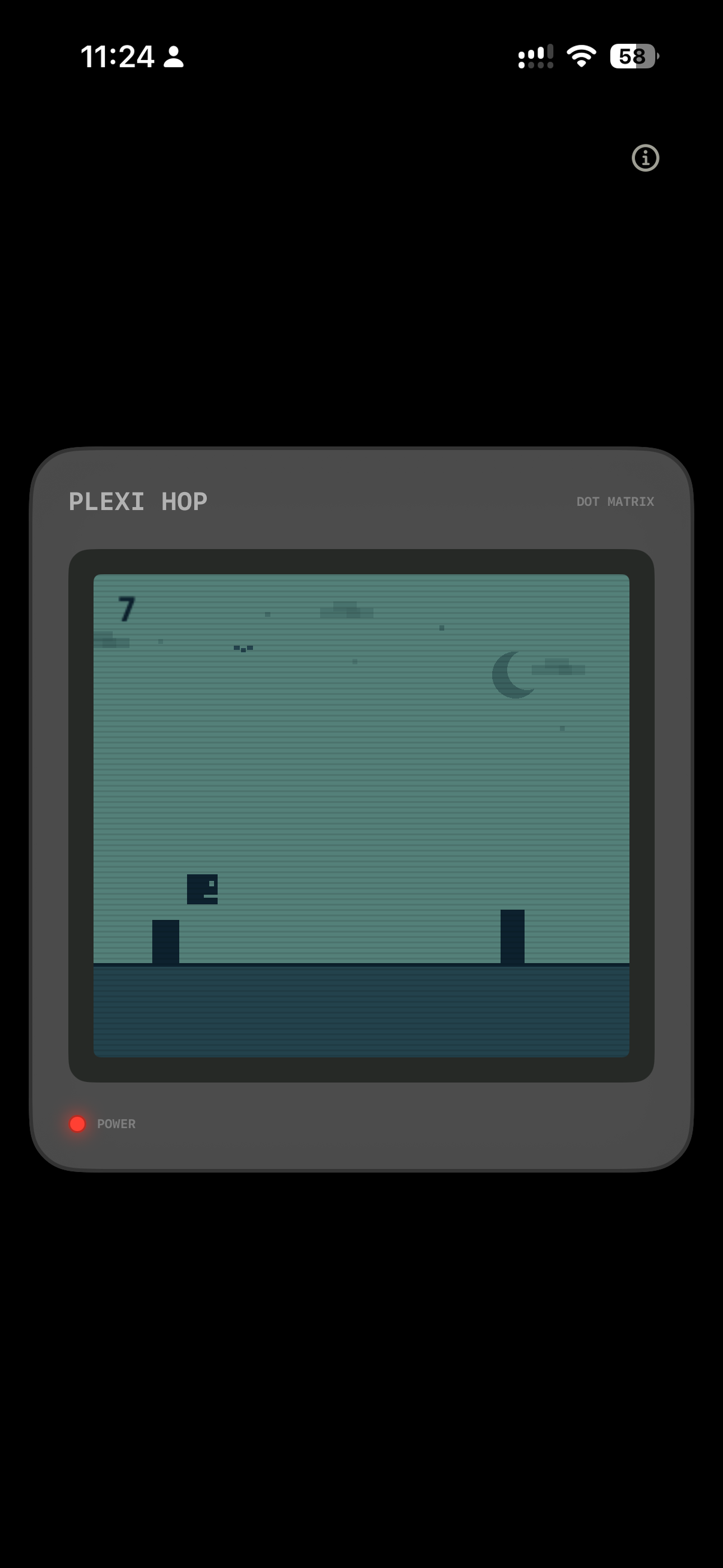
A simple, one-tap endless jumper styled after the classic 4-color LCD handheld console screen. Jump over scrolling blocks, listen to pure synthesized beeps, and climb the global leaderboards!
Simple retro design engineered with modern execution for a crisp, responsive gaming session.
Features a custom Game Boy-style 4-color LCD palette, detailed retro console bezel margins, and micro-scanline multipliers for true hardware nostalgia.
Designed for immediate action. Tap the screen on your mobile device, or click/press Spacebar on Mac to jump. Perfect for pick-up-and-play sessions.
Retro beeps are dynamically synthesized at runtime as WAV bytes in pure Swift. No external sound files, ensuring a tiny app size and instant audio response.
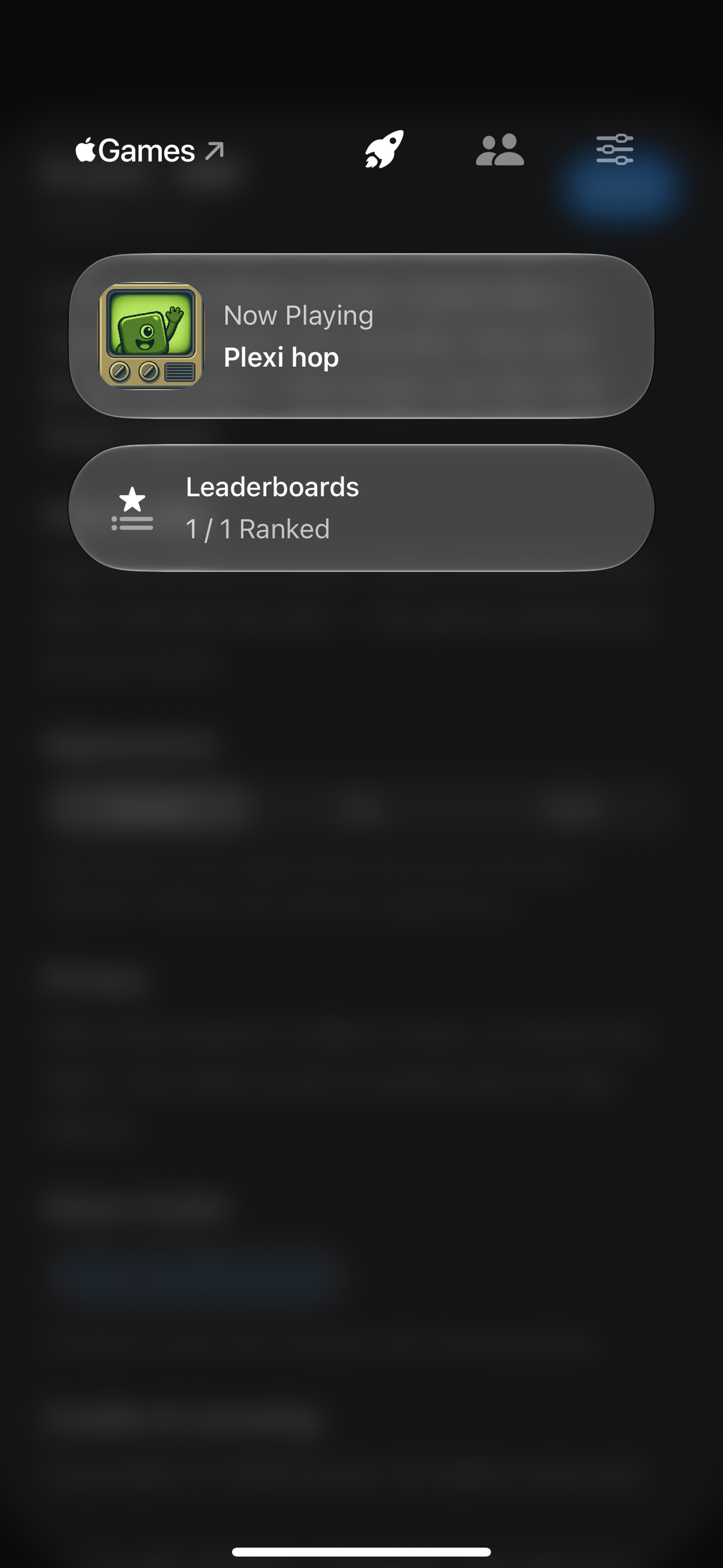
High scores are automatically submitted and synced to iCloud. Check your standings and compete against friends on global leaderboards.
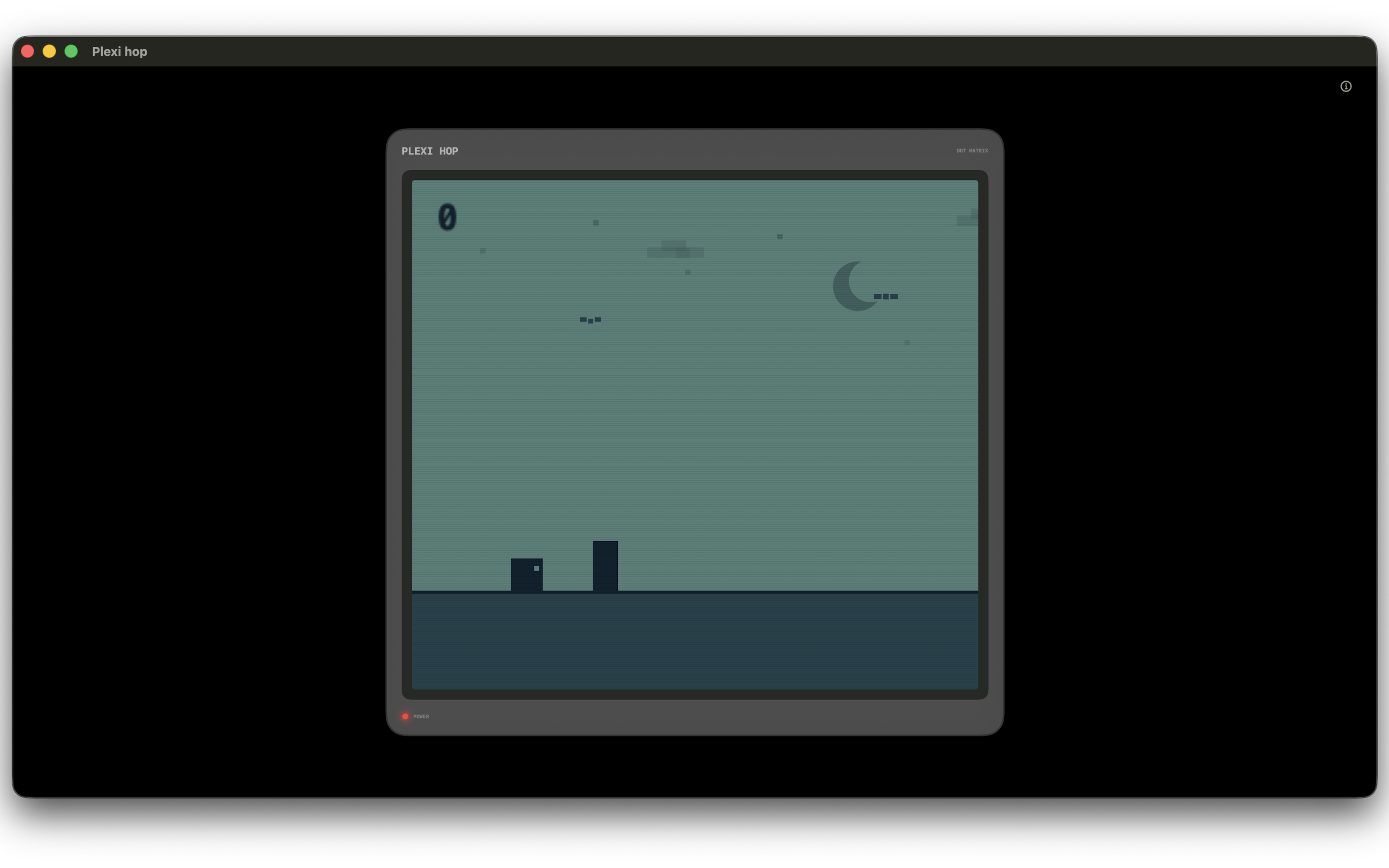
Set the app appearance to light (classic Game Boy green) or dark theme (high contrast green on black). Integrates directly with macOS/iOS System Dark Mode.
No user accounts required. macOS is 100% ad and tracker-free. iOS uses Google AdMob for ads only if tracking is authorized. Gameplay records stay local.
Common questions about Plexi Hop. For further inquiries or technical issues, use the contact form to reach out.
On **iPhone and iPad**, tap anywhere on the screen to jump. On **macOS**, click inside the window or press the **Spacebar** to jump. You can only jump while the character is grounded (no double jumps!).
Yes! On launch, the game attempts to authenticate your Game Center profile. Once signed in, your highest score will automatically sync and submit to the global Plexi Hop leaderboard.
Yes. If you play offline or don't use Game Center, your best score is stored locally on your device via standard sandbox storage and will persist between play sessions.
Plexi Hop focuses exclusively on iOS, iPadOS, and macOS runtimes. visionOS "Designed for iPad" compatibility mode is disabled to guarantee an optimized native experience on supported screens.
Have comments, suggestions, or encountered a bug? Send me a message directly!
Effective Date: June 21, 2026
This Privacy Policy describes how Plexi Hop handles user data. Your privacy is a priority, and the application is engineered to protect it.
1. Data Collection: The developer does not collect, store, or share any personal identifier, location data, or usage metrics directly. All gameplay mechanics, settings, and high score parameters run entirely on your local hardware.
2. Game Center Integration: If you choose to sign in to Apple Game Center, score data is submitted directly to Apple's Game Center servers to enable leaderboards. This data is handled according to Apple's standard developer terms and Privacy Policy.
3. Third-Party Advertising (iOS Only): The iOS/iPadOS version of Plexi Hop integrates the Google Mobile Ads SDK (AdMob) to display advertisements. AdMob may collect and use device identifiers (such as IDFA) and advertising data to deliver personalized ads (if you authorize tracking) and measure performance. No advertising tracking occurs on macOS targets, which remain completely ad-free.
If you have any questions regarding this policy, please contact me directly using the support form above.